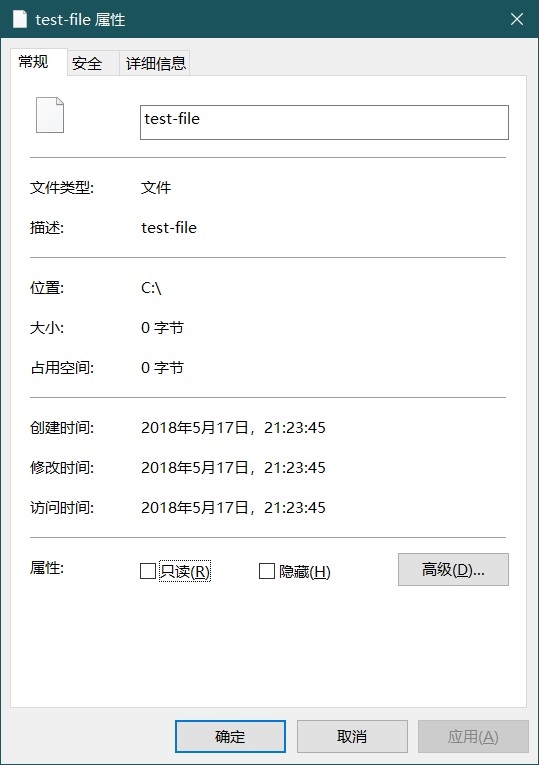
Windows修改文件时间属性 发表于 2022-05-26 更新于 2023-04-08 本文字数: 42 阅读时长 ≈ 1 分钟 Microsoft文档 创建文件 123456789PS C:\> New-Item test-file 目录: C:\Mode LastWriteTime Length Name---- ------------- ------ -----a---- 2022/5/26 16:50 0 test-file 显示文件的创建、最后修改、最后访问时间 12345678910111213PS C:\> (ls test-file).CreationTimeUtc2022年5月26日 8:50:31PS C:\> (ls test-file).LastAccessTimeUtc2022年5月26日 8:50:31PS C:\> (ls test-file).LastWriteTimeUtc2022年5月26日 8:50:31 修改文件时间属性 123PS C:\> (ls test-file).CreationTimeUtc="2018-05-17 13:23:45"PS C:\> (ls test-file).LastWriteTimeUtc="2018-05-17 13:23:45"PS C:\> (ls test-file).LastAccessTimeUtc="2018-05-17 13:23:45"
Linux添加开关机蜂鸣器提示 发表于 2022-05-25 更新于 2023-04-08 本文字数: 165 阅读时长 ≈ 1 分钟 应用:Linux服务器在没有音频输出和显示输出的情况下,利用蜂鸣器可以快速判断启动状况。 添加systemd服务: /etc/systemd/system/beep-up.service 1234567891011[Unit]Description=Beep after system startDefaultDependencies=noAfter=multi-user.target[Service]Type=oneshotExecStart=/usr/bin/beep -f 3000 -l 100 -n -f 3500 -l 100 -r 2[Install]WantedBy=multi-user.target /etc/systemd/system/beep-down.service 1234567891011[Unit]Description=Beep before system shutdownDefaultDependencies=noBefore=exit.target[Service]Type=oneshotExecStart=/usr/bin/beep -f 3000 -l 100 -r 2 -n -f 2000 -l 150[Install]WantedBy=reboot.target halt.target poweroff.target 最后启用 beep-up.service 和 beep-down.service
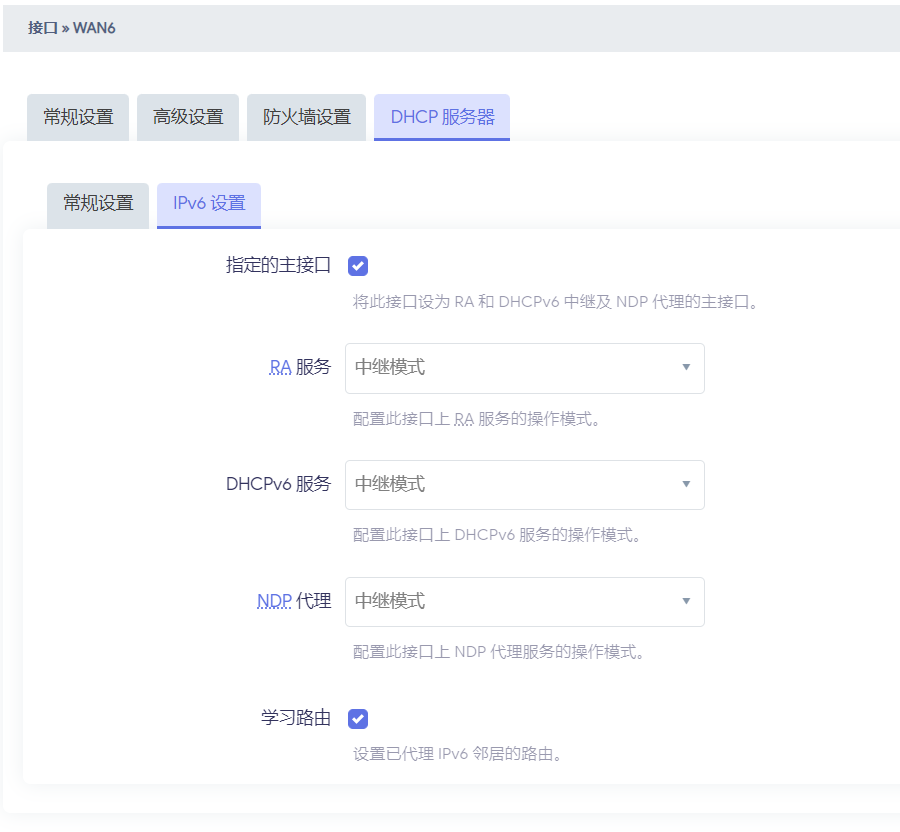
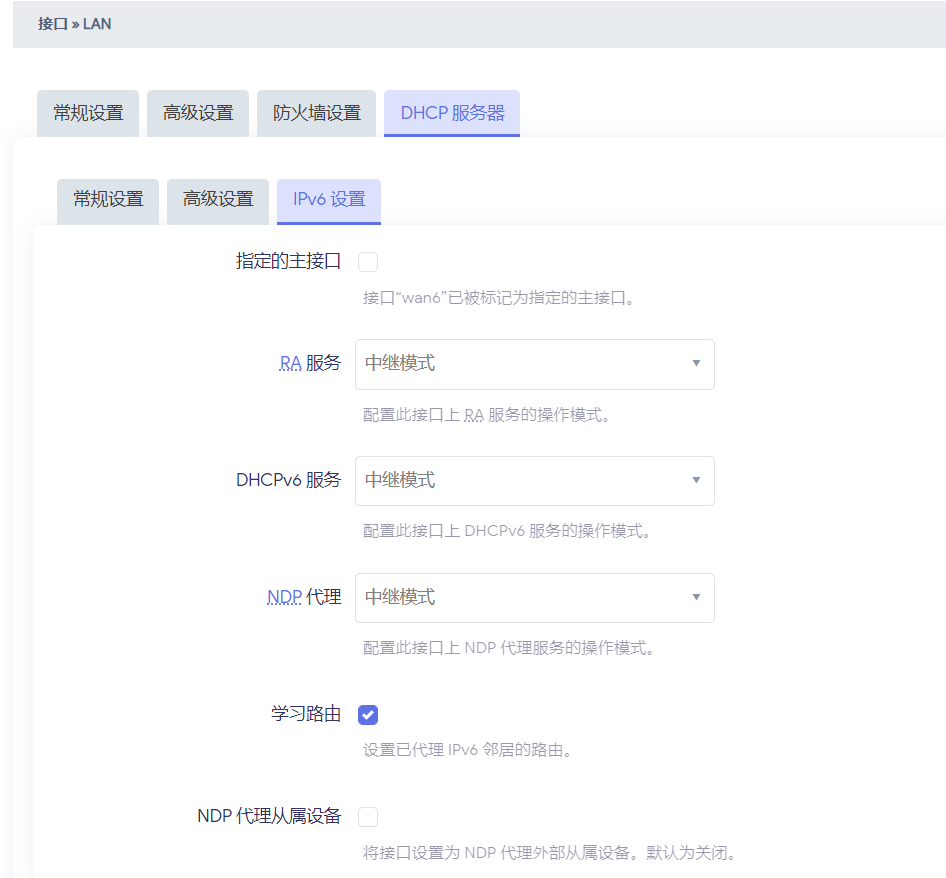
openwrt作为二级路由的ipv6设置 发表于 2022-05-24 更新于 2023-04-08 本文字数: 42 阅读时长 ≈ 1 分钟 LAN接口设置 12345678910config dhcp 'lan' option interface 'lan' option start '100' option limit '150' option leasetime '12h' option dhcpv4 'server' option ra 'relay' option dhcpv6 'relay' option ndp 'relay' list ra_flags 'none' WAN6接口设置 12345678config dhcp 'wan6' option interface 'wan6' option ignore '1' option ra 'relay' option dhcpv6 'relay' option ndp 'relay' option master '1' list ra_flags 'none' 然后openwrt下的设备就可以正常获取ipv6地址了
Hello World 发表于 1970-01-01 更新于 2023-04-08 本文字数: 299 阅读时长 ≈ 1 分钟 Welcome to Hexo! This is your very first post. Check documentation for more info. If you get any problems when using Hexo, you can find the answer in troubleshooting or you can ask me on GitHub. Quick Start Create a new post 1$ hexo new "My New Post" More info: Writing Run server 1$ hexo server More info: Server Generate static files 1$ hexo generate More info: Generating Deploy to remote sites 1$ hexo deploy More info: Deployment